
Firebase vs Custom Backend: Which to Choose?
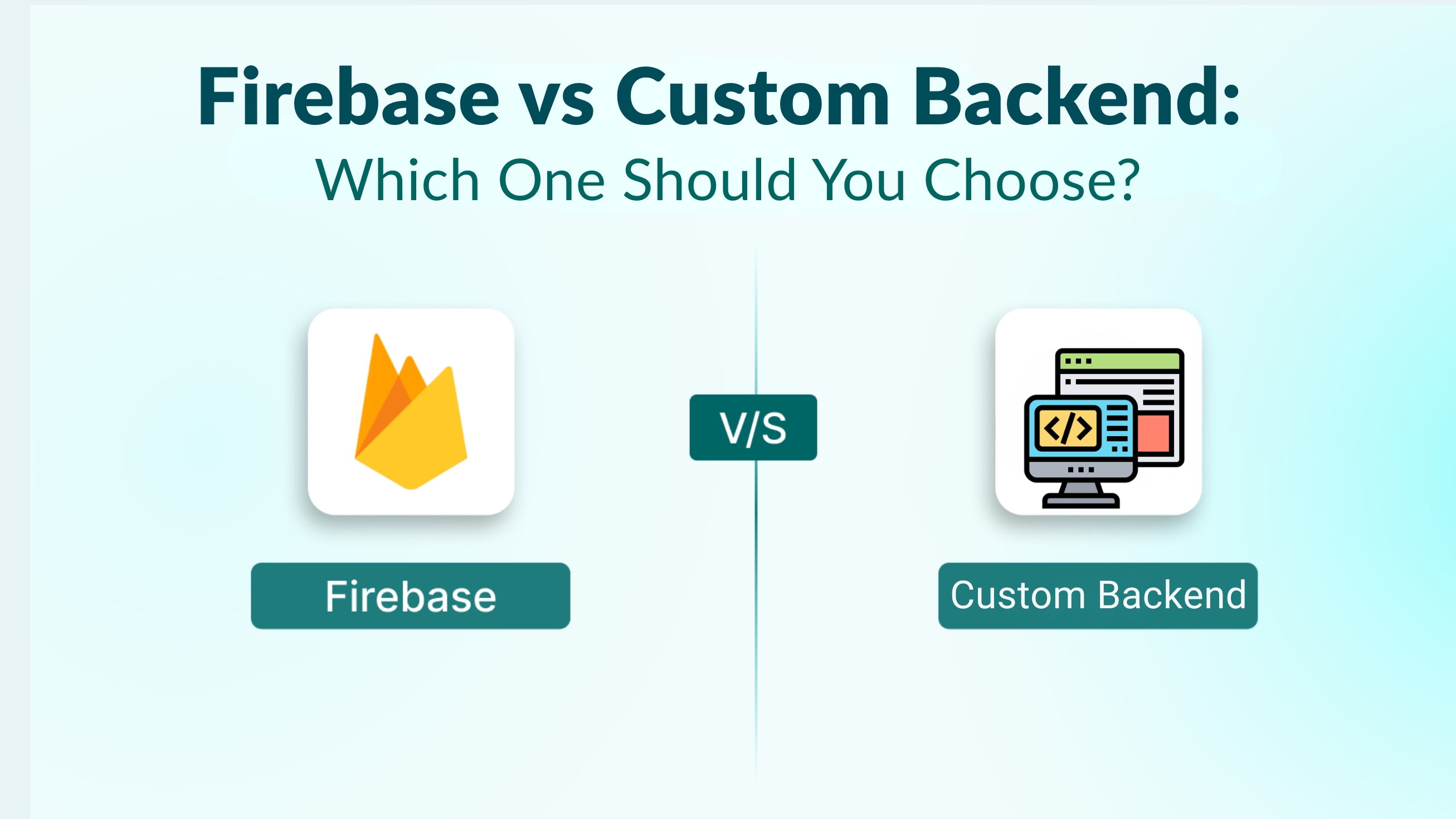
Firebase vs Custom Backend: Which One Should You Choose?
Appdid, a leading name in mobile app development, often receives questions from businesses about choosing the right backend solution for their apps. Whether you're developing an Android app, iOS app, or a cross-platform solution, selecting the appropriate backend architecture is critical to your app’s performance, scalability, and long-term success. In this blog, we will explore Firebase vs custom backend, highlighting their advantages, disadvantages, and which option might be the best fit for your project.
Understanding Backend Development
Before diving into Firebase and custom backends, it’s essential to understand what a backend does. The backend of an app is the server-side component that manages databases, user authentication, APIs, and business logic. A robust backend ensures smooth app performance, data security, and seamless user experience.
When choosing between Firebase and a custom backend, businesses often consider:
-
Time to market
-
Scalability
-
Cost of development
-
Flexibility in features
What is Firebase?
Firebase, owned by Google, is a Backend-as-a-Service (BaaS) platform that provides developers with ready-to-use services for building mobile and web applications. With Firebase, you can manage authentication, databases, cloud storage, analytics, push notifications, and more without building a backend from scratch.
Key Features of Firebase
- Realtime Database & Firestore:
Firebase offers NoSQL databases that synchronize data in real-time across all connected devices. This makes it ideal for chat apps, collaborative tools, or apps needing instant updates. - Authentication:
Firebase Authentication supports email/password login, social logins like Google and Facebook, and phone authentication. - Cloud Functions:
Serverless functions allow you to run backend code in response to events without managing a server. - Analytics & Crashlytics:
Firebase integrates seamlessly with Google Analytics and provides tools to monitor app performance, errors, and user behavior. - Push Notifications & Messaging:
Firebase Cloud Messaging (FCM) enables sending push notifications to engage users effectively.
Pros of Using Firebase
-
Faster development time: Ideal for startups and MVPs.
-
Serverless backend: No need to manage infrastructure.
-
Cross-platform support: Works well for iOS, Android, and web apps.
-
Scalable: Firebase automatically scales with your app traffic.
-
Built-in security: Offers authentication and secure data rules.
Cons of Using Firebase
-
Limited query flexibility: NoSQL databases are not ideal for complex queries.
-
Vendor lock-in: Migrating away from Firebase can be challenging.
-
Pricing: Costs can increase as your user base grows.
-
Limited backend customization: Advanced features may require workarounds.
What is a Custom Backend?
A custom backend is a fully tailored server-side solution built from scratch using programming languages like Node.js, Python, Ruby, or Java. This approach gives complete control over the app’s backend architecture, database design, and business logic.
Key Features of a Custom Backend
-
Flexible Database Choices: You can choose SQL (like PostgreSQL or MySQL) or NoSQL (like MongoDB) based on your app requirements.
-
Custom APIs: Tailor endpoints for specific app functionality.
-
Advanced Security: Implement security protocols suited to your business.
-
Third-Party Integrations: Easily integrate any external services.
-
Scalable Architecture: Design backend to handle millions of users efficiently.
Pros of Using a Custom Backend
-
Full control over backend logic and database management.
-
Highly customizable for complex app features.
-
Better long-term cost efficiency for large-scale apps.
-
No vendor lock-in — you own the entire backend.
-
Optimized for specific business needs, including custom analytics, AI, and ML integrations.
Cons of Using a Custom Backend
-
Longer development time: Building from scratch takes time.
-
Higher initial cost: Requires dedicated developers and infrastructure.
-
Maintenance required: You need to manage servers, updates, and security patches.
Firebase vs Custom Backend: A Detailed Comparison
|
Feature |
Firebase |
Custom Backend |
|
Development Speed |
Very fast, ready-to-use services |
Slower, needs coding from scratch |
|
Scalability |
Automatic, but can be expensive at scale |
Fully scalable, designed for your app |
|
Cost |
Low initially, high with user growth |
High initial investment, lower long-term costs |
|
Customization |
Limited, works best for standard features |
Fully customizable |
|
Security |
Built-in authentication & security rules |
Fully controllable security mechanisms |
|
Vendor Lock-in |
Yes, depends on Google |
No, fully owned by your business |
When to Choose Firebase
Firebase is best suited for:
-
Startups & MVPs: Launch quickly with minimal backend setup.
-
Real-time apps: Chat apps, live collaboration, or social apps.
-
Cross-platform apps: Apps built for iOS, Android, and web simultaneously.
-
Limited budgets: Lower upfront costs for early-stage apps.
When to Choose a Custom Backend
A custom backend is ideal for:
-
Enterprise apps: Require advanced features, high security, and complex workflows.
-
High scalability needs: Apps expecting millions of users.
-
Custom business logic: Apps with unique features that BaaS platforms cannot provide.
-
Long-term control: Businesses that want full ownership of their backend infrastructure.
How Appdid Helps You Choose the Right Backend
At Appdid, we specialize in mobile app development for Android, iOS, and cross-platform solutions in Mumbai. Our experts evaluate your app idea, target audience, and scalability needs to recommend the most suitable backend solution. We focus on:
-
Backend architecture planning for optimum performance
-
Integration of Firebase services for rapid development
-
Custom backend development for complex, scalable apps
-
Seamless API integration for third-party services
-
Mobile app security optimization to protect user data
By partnering with us, you get a backend that aligns perfectly with your app’s goals and ensures smooth performance from launch to scale.
FAQs About Firebase vs Custom Backend
1. Which is cheaper: Firebase or custom backend?
Firebase has lower initial costs, making it ideal for MVPs. However, for apps with millions of users, a custom backend can be more cost-effective in the long run.
2. Can Firebase handle high traffic apps?
Yes, Firebase scales automatically, but costs can rise significantly as traffic increases. A custom backend may be more economical for very high traffic.
3. Is Firebase suitable for enterprise apps?
Firebase is great for small to medium-sized apps, but enterprise apps often require custom backends for advanced security, compliance, and customization.
4. Can I migrate from Firebase to a custom backend later?
It’s possible but can be challenging due to vendor lock-in. Proper planning is essential if you foresee a migration.
5. Which backend is faster to develop?
Firebase enables faster development because of ready-to-use services. A custom backend takes longer but offers full flexibility.
Final Thoughts
Choosing the right backend is critical to your app’s success. Firebase is excellent for startups, MVPs, and apps requiring real-time data and quick deployment. On the other hand, a custom backend is the best choice for businesses seeking high scalability, complex features, and full control.
At Appdid, we help businesses make the right choice and deliver top-notch Android, iOS, and cross-platform apps with the perfect backend architecture. Whether it’s Firebase integration or custom backend development, our team ensures your app is robust, scalable, and secure.
If you’re looking for the best app development company in Thane, Mumbai, Appdid is your trusted partner to transform ideas into high-performing mobile apps.
Ready to bring your app idea to life? Contact Appdid today for a free consultation and let’s build an app that scales with your business!