
Flutter App Development Cost in Pune: Factors & Planning Guide 2026
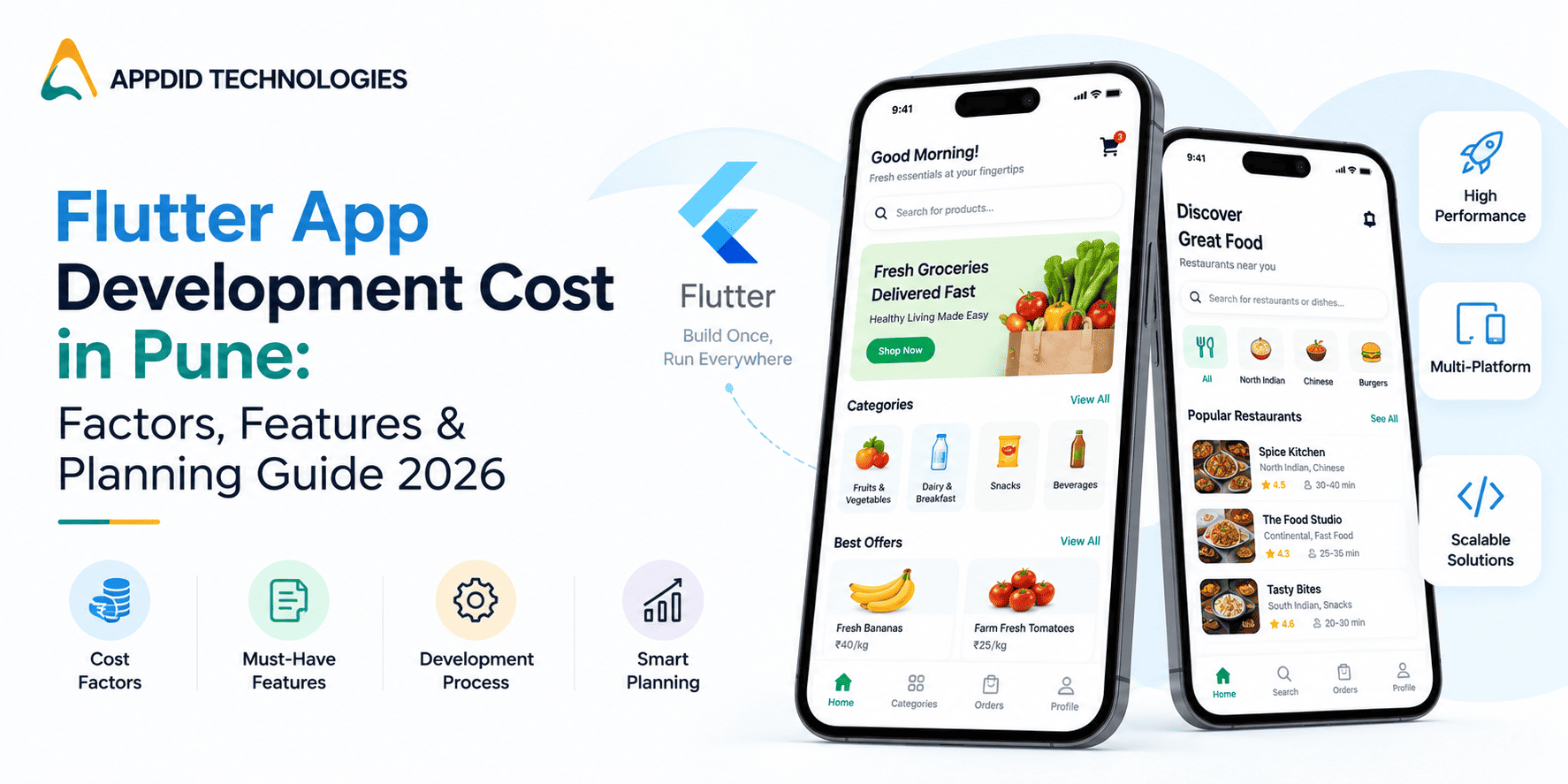
Flutter App Development Cost in Pune: Factors, Features & Planning Guide 2026
If you are planning to build a mobile application for your business, Flutter is one technology you may come across while comparing development options. It allows businesses to build applications for multiple platforms while maintaining a shared development approach.
But one of the first questions businesses ask is: What is the Flutter app development cost in Pune?
There is no single answer because the cost depends on what you are building, how complex the application is, which platforms you need, the number of integrations, backend requirements, UI/UX complexity and the level of scalability required.
For businesses in Pune, this becomes especially relevant across technology, manufacturing, automotive, education, healthcare, logistics and professional services. Areas such as Hinjawadi, Baner, Kharadi, Hadapsar, Pimpri-Chinchwad, Bhosari, Chakan and Talegaon have businesses with very different digital requirements, from customer-facing apps to internal operational platforms.
This guide explains the major factors that influence Flutter app development cost in Pune and how businesses can plan their projects more effectively.
What Is Flutter App Development?
Flutter is Google's UI toolkit for building applications across multiple platforms from a shared codebase.
Instead of developing completely separate applications for every platform, businesses can use Flutter to build applications that target platforms such as Android and iOS.
This can be useful when a company wants to launch across multiple platforms while maintaining consistency in the user experience and development process.
However, Flutter is not automatically the right choice for every application. The technology should be selected according to the project's functionality, performance requirements, integrations and long-term roadmap.
If you are comparing different approaches, our guide on native vs cross-platform app development can help explain the differences.
What Determines Flutter App Development Cost in Pune?
The development cost depends on several connected factors rather than simply the number of screens.
1. Complexity of the Application
The first consideration is what your application actually needs to do.
A basic business application may include:
-
Login and registration
-
User profiles
-
Static information
-
Contact forms
-
Push notifications
-
Basic dashboards
A more complex application could require:
-
Online payments
-
GPS tracking
-
Real-time chat
-
Multiple user roles
-
Advanced search
-
Subscription management
-
AI features
-
Live notifications
-
ERP or CRM integration
-
Analytics
-
Automated workflows
The more business logic and interactions involved, the greater the development effort.
For example, a company in Bhosari or Chakan may require an application for inventory, sales representatives, service teams or dealer management, while an application for a consumer business in Baner or Kharadi may focus more on bookings, payments and customer engagement.
2. Number of Platforms
One of the reasons businesses consider Flutter is the ability to develop for multiple platforms using a shared codebase.
You may need:
-
Android
-
iOS
-
Web
-
Tablet support
The actual effort still depends on how the application behaves on each platform.
Device-specific functionality, platform integrations and different UI requirements can add to the development scope.
If Android is your primary target audience, you can also explore Android app development. For an iOS-focused application, iOS app development may be more relevant.
3. UI/UX Design
The design of your Flutter application can also influence the project budget.
The process may include:
-
User research
-
User flows
-
Wireframes
-
UI design
-
Interactive prototypes
-
Design systems
-
Usability testing
A simple internal application may need a straightforward interface.
A customer-facing application, on the other hand, may require a more detailed design system with custom interactions and multiple user journeys.
The important thing is to design around how users actually complete tasks rather than adding visual elements that do not improve usability.
4. Backend Development
Flutter handles the application interface, but most business applications also require a backend.
The backend can manage:
-
User accounts
-
Authentication
-
Business logic
-
Databases
-
Orders
-
Payments
-
Notifications
-
Reports
-
APIs
-
Admin controls
For example, a manufacturing company in Pimpri-Chinchwad or Chakan may want its mobile application to connect employees, sales teams, customers, inventory systems and management dashboards.
This requires proper backend architecture rather than only developing the mobile interface.
5. API and Third-Party Integrations
Integrations are another major factor when estimating Flutter app development cost in Pune.
Depending on your business, your application may need to connect with:
-
Payment gateways
-
Google Maps
-
CRM systems
-
ERP platforms
-
Accounting software
-
SMS services
-
Email platforms
-
Cloud services
-
Analytics tools
-
Communication APIs
For example, a logistics company may require maps and tracking, while an industrial business may need integration with an existing ERP.
Planning these integrations early can prevent unexpected development work later.
Our detailed guide on API integration in mobile app development covers how these connections fit into a mobile application.
6. Features and User Roles
A Flutter application with one type of user is usually simpler than a platform supporting several different roles.
For example, a business application could have:
Customer
-
Login
-
Product browsing
-
Orders
-
Payments
-
Support
Employee
-
Attendance
-
Tasks
-
Updates
-
Document access
Manager
-
Reports
-
Approvals
-
Employee management
-
Performance tracking
Admin
-
User management
-
Content management
-
Configuration
-
Analytics
Each additional role can introduce separate screens, permissions and workflows.
This is particularly important for B2B applications and internal business systems.
Flutter App Use Cases for Pune Businesses
Pune has a diverse business ecosystem, which means Flutter applications can be used for very different purposes.
Manufacturing and Automotive
Businesses around Pimpri-Chinchwad, Bhosari, Chakan and Talegaon can use mobile applications for:
-
Dealer management
-
Field sales
-
Inventory
-
Service requests
-
Machine maintenance
-
Production updates
-
Employee workflows
-
Order management
An application can also provide field teams with real-time access to customer and product information.
IT and Technology Businesses
Companies around Hinjawadi, Baner and Kharadi may need applications for:
-
Customer portals
-
SaaS products
-
Employee management
-
Project tracking
-
Booking platforms
-
Business dashboards
-
Internal workflow automation
For companies building a customer-facing digital product, the choice of technology stack should be considered alongside scalability and future integrations.
Healthcare Businesses
Healthcare providers may use applications for:
-
Appointment booking
-
Patient profiles
-
Doctor consultations
-
Prescription management
-
Health records
-
Notifications
-
Medicine delivery
If healthcare is your target sector, you can explore healthcare app development to understand the functionality commonly required in this category.
Logistics and Distribution
Businesses operating around Pune's industrial and commercial corridors can use Flutter applications for:
-
Delivery management
-
Driver tracking
-
Shipment updates
-
Route planning
-
Proof of delivery
-
Warehouse operations
-
Customer notifications
These applications often require maps, APIs, notifications and backend systems, making architecture an important part of the planning process.
Flutter vs Native App Development
The choice between Flutter and native development should be based on the application rather than cost alone.
|
Factor |
Flutter |
Native |
|
Development approach |
Shared codebase |
Platform-specific |
|
Android |
Supported |
Supported |
|
iOS |
Supported |
Supported |
|
Code reuse |
High |
Lower across platforms |
|
UI consistency |
Strong |
Platform-specific |
|
Platform-specific features |
Depends on requirements |
Direct platform access |
|
Maintenance |
Can be centralised |
Separate platform codebases |
|
Best suited for |
Many cross-platform applications |
Highly platform-specific requirements |
For many businesses, Flutter can be considered when Android and iOS applications are both part of the initial roadmap.
However, applications that rely heavily on platform-specific functionality may require a different approach.
How Flutter Can Help With Development Planning
One reason businesses evaluate Flutter is the potential to maintain a shared development approach across platforms.
This can simplify certain aspects of:
-
Feature development
-
UI consistency
-
Bug fixing
-
Maintenance
-
Future updates
But businesses should avoid choosing Flutter solely because they expect development to be cheaper.
The total project effort still depends on backend systems, integrations, features, testing and product complexity.
What Should You Include in a Flutter App Development Budget?
Before contacting a development company, create a basic requirement document.
Include:
Business Objective
What problem will the application solve?
Target Users
Who will use the application?
Platforms
Do you need Android, iOS or both?
Core Features
List the features required for the first version.
Integrations
Mention existing CRM, ERP, payment, maps or other systems that need to connect.
Admin Requirements
Define what your internal team needs to manage.
Security
Identify whether the application will handle sensitive customer, financial or business data.
Future Requirements
Mention features you may want to add later.
A clear requirement document makes it easier for a mobile app development company to understand the project and provide a more relevant development plan.
How to Control Flutter App Development Cost
You do not necessarily need to remove important features to manage the budget.
Instead, prioritise them.
Start With Core Features
Identify what users absolutely need to complete the main task.
Build in Phases
Features such as advanced analytics, AI, additional integrations or automation can sometimes be planned for later phases.
Reuse Existing Systems
If your business already has a CRM or ERP, consider integrating it rather than creating a duplicate system.
Plan the Architecture Early
A scalable backend can make future development easier.
Avoid Unnecessary Features
Every feature should have a clear purpose. Adding functionality simply because another app has it can increase complexity without improving the product.
How to Choose a Flutter App Development Company in Pune
When evaluating companies for your project, look beyond the development quotation.
Consider:
-
Flutter expertise
-
Previous cross-platform projects
-
Backend capabilities
-
UI/UX experience
-
API integration experience
-
Testing processes
-
Security practices
-
Post-launch support
-
Communication
-
Understanding of your industry
It is also useful to review previous projects before making a decision. You can explore the Appdid portfolio to see examples of its development work.
For businesses that need a broader digital solution, you can also review Appdid's development services.
Why Businesses in Pune Can Consider Flutter
For a business operating in Pune, the technology decision should connect directly to its growth plans.
A company in Hinjawadi may need a customer or employee application, while a manufacturer in Chakan or Bhosari may need an operational platform. A healthcare business may require appointment and patient functionality, while a logistics company may need real-time tracking.
Flutter can be considered when the business wants to support multiple platforms while maintaining a shared development approach.
The right choice ultimately depends on the application's users, functionality, integrations and long-term requirements.
Why Appdid for Flutter App Development?
Appdid Technologies helps businesses plan and develop custom mobile applications based on their specific requirements.
The development process can cover UI/UX, application development, backend systems, APIs, integrations and deployment rather than treating the mobile application as an isolated product.
For businesses in Pune looking to build a Flutter-based application, the first step is to define the business objective, target users and required functionality.
If you already have an application idea, you can consult Appdid to discuss the requirements and determine the appropriate development approach.
Final Thoughts
The Flutter app development cost in Pune depends on the complexity of your application rather than Flutter alone.
Important factors include:
-
Application complexity
-
Number of platforms
-
UI/UX requirements
-
Features
-
Backend development
-
API integrations
-
User roles
-
Admin panel
-
Security
-
Testing
-
Maintenance
-
Future scalability
For businesses across Hinjawadi, Kharadi, Baner, Hadapsar, Pimpri-Chinchwad, Bhosari, Chakan and Talegaon, identifying the actual business problem before selecting technology can help create a more practical development plan.
Instead of starting with a fixed budget, define the application requirements first. Once the scope is clear, the development effort and investment can be evaluated more realistically.
FAQs
1. What is the Flutter app development cost in Pune?
There is no universal cost because the development effort depends on the application's features, UI/UX, backend, integrations, platforms and complexity.
2. Is Flutter suitable for business applications?
Yes. Flutter can be used for many types of business applications, including customer apps, internal tools, eCommerce platforms, service applications and operational systems.
3. Can Flutter build both Android and iOS apps?
Yes. Flutter supports development for both Android and iOS using a shared development approach.
4. Can Flutter apps integrate with ERP and CRM systems?
Yes. Flutter applications can communicate with external systems through APIs and other integration methods, depending on the architecture of the existing systems.
5. How long does it take to develop a Flutter application?
The timeline depends on the application's scope. A basic application can require considerably less development work than a platform with multiple user roles, complex backend workflows, payments, real-time features and third-party integrations.