Custom RCM Software Development: Features & Benefits
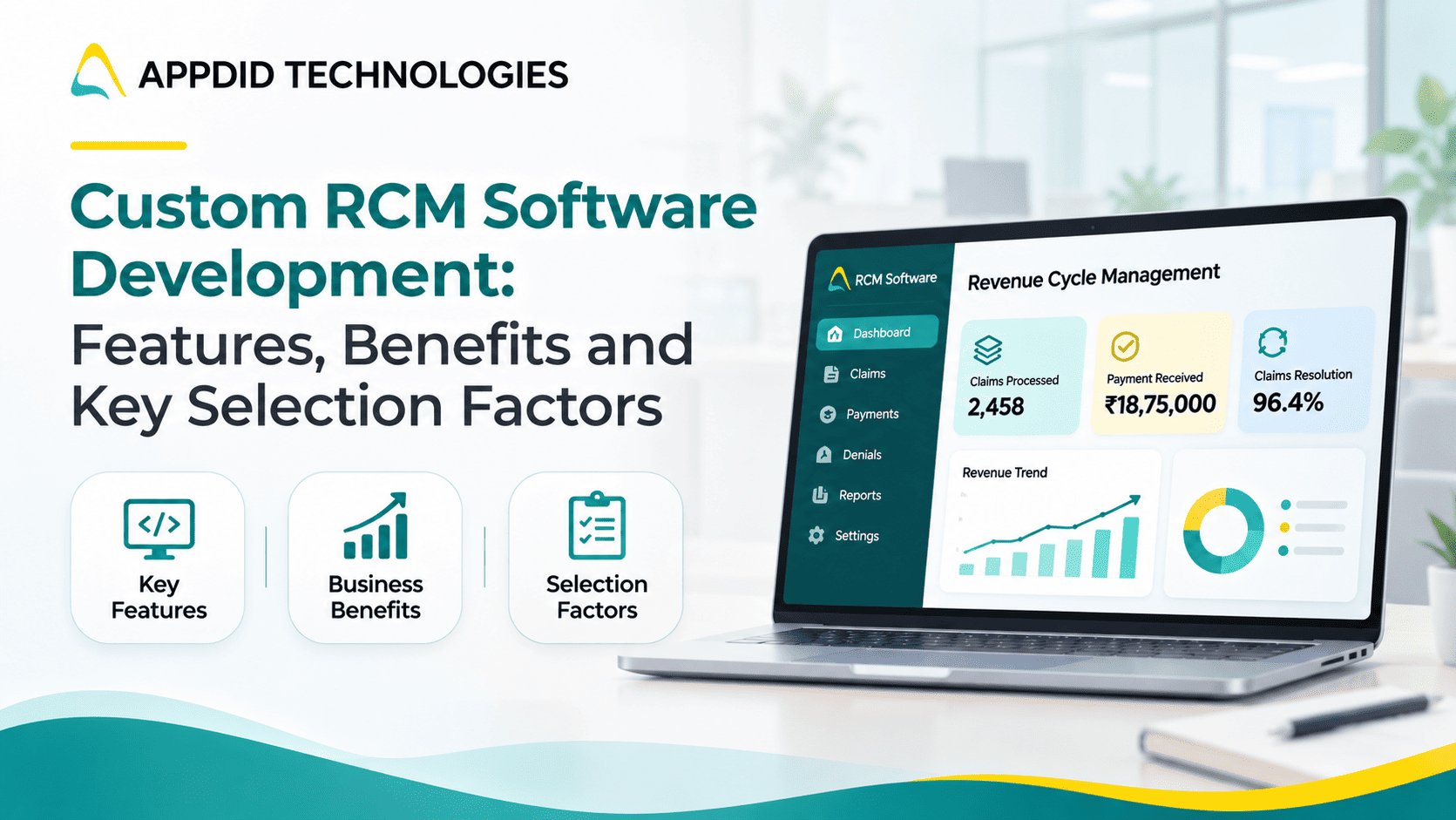
Custom RCM Software Development: Features, Benefits and Key Selection Factors
Managing the financial side of healthcare involves multiple steps, from patient registration and insurance verification to claim submission, payment processing and denial management. When these processes rely on disconnected systems or manual work, healthcare providers may face billing errors, delayed reimbursements and limited visibility into revenue.
Custom Revenue Cycle Management (RCM) software helps healthcare organizations manage the complete patient-to-payment process through a system designed around their workflows. It can connect billing operations, automate repetitive tasks and provide better insights into financial performance.
Key Takeaways
-
RCM software manages the financial lifecycle of patient care.
-
Custom solutions can be tailored to specific billing workflows.
-
Automation helps reduce repetitive administrative tasks.
-
Integration with existing healthcare systems is essential.
-
Security, scalability and ongoing support should guide software selection.
What Is Revenue Cycle Management (RCM) Software?
Revenue Cycle Management software supports the financial processes involved in delivering healthcare services. It helps manage patient information, insurance details, claims, payments, outstanding balances and financial reporting.
A typical RCM workflow includes:
Patient Registration → Insurance Verification → Service and Charge Capture → Claim Submission → Payment Posting → Denial Management → Final Payment
A connected system helps teams track each stage and identify issues before they affect reimbursement.
For a broader understanding of healthcare technology, explore healthcare app development.
Essential Features of Custom RCM Software
1. Patient Registration and Insurance Verification
The software should capture patient demographics, insurance details and relevant billing information. Eligibility verification helps confirm coverage before services are provided and can reduce errors caused by incomplete or incorrect information.
2. Medical Billing and Claim Management
A custom RCM platform can support charge capture, coding workflows, claim preparation, validation and submission. Claim-scrubbing rules can identify missing information or potential errors before claims are sent to payers.
3. Denial Management and Appeals
Denied or rejected claims can delay payments and increase administrative workload. RCM software can categorize denial reasons, assign follow-up tasks, track appeal deadlines and help teams identify recurring issues.
4. Payment Posting and Reconciliation
Payment posting helps match payments and adjustments to the relevant claims. Reconciliation tools can help billing teams identify differences between expected and received payments and investigate outstanding balances.
5. Accounts Receivable Management
An accounts receivable dashboard provides visibility into unpaid claims and outstanding balances. Teams can prioritize follow-ups based on factors such as claim age, value, payer or status.
6. Reporting and Analytics
Dashboards can help healthcare administrators monitor claim status, denial trends, collection performance, outstanding balances and payer-related issues.
Suggested infographic:
Registration → Eligibility → Claim Preparation → Claim Submission → Payment → Reconciliation
Benefits of Custom RCM Software
|
Benefit |
How It Helps |
|
Reduced Manual Work |
Automates repetitive billing and administrative tasks |
|
Improved Claim Accuracy |
Identifies missing or inconsistent information before submission |
|
Better Revenue Visibility |
Tracks claims, payments and outstanding balances |
|
Faster Follow-Up |
Organizes denials and unpaid claims into actionable work queues |
|
Workflow Customization |
Supports processes specific to the organization |
|
Better Decision-Making |
Provides financial reports and operational insights |
Custom software is especially useful when standard platforms do not adequately support an organization's billing workflows, specialty requirements or existing technology environment.
Explore custom healthcare mobile app development to understand how healthcare software can be designed around specific operational needs.
Custom RCM Software vs. Ready-Made Solutions
|
Ready-Made RCM Software |
Custom RCM Software |
|
Offers standard workflows and features |
Designed around specific business processes |
|
May require adapting existing operations |
Can align with existing workflows |
|
May have predefined integrations |
Integrations can be scoped to business needs |
|
Often quicker to deploy |
Requires planning, development and testing |
|
Suitable for common requirements |
Useful for specialized or complex requirements |
The best option depends on your organization's size, operational complexity, budget and technology needs.
Key Factors to Consider When Selecting an RCM Software Development Partner
Choosing the right development partner is important for building a reliable and scalable RCM platform.
1. Healthcare Workflow Experience
The development team should understand billing workflows, claims processing, payer requirements and the operational challenges healthcare organizations face.
Experience in healthcare software development can help establish a better understanding of these requirements.
2. Integration Capabilities
Check whether the solution can connect with existing EHR/EMR systems, practice management software, clearinghouses and payment systems. Standards such as HL7, FHIR and relevant electronic claims formats may be required depending on the system and region.
You can also explore API integration in mobile app development to understand how different systems exchange information.
3. Data Security and Compliance
Healthcare financial systems may process sensitive patient information. Evaluate how the development partner approaches access controls, encryption, audit logs, data protection and applicable regulatory requirements.
Read more about why encryption is important for app developers.
4. Scalability and Customization
The platform should support changing claim volumes, additional users, new locations and evolving workflows without requiring a complete rebuild.
A suitable custom software development approach can help accommodate changing business requirements.
5. Support and Maintenance
Post-launch support is important for resolving issues, maintaining integrations, applying updates and improving the platform as business requirements change.
How to Plan Your Custom RCM Software Development
Before starting development, define the operational challenges the software needs to solve. Identify which workflows require automation, which systems need integration and which reports are essential for your team.
Starting with a focused set of core modules can help establish a manageable first release. Additional features can be introduced in phases based on user feedback and business priorities.
You can also review the healthcare app development process, cost and compliance considerations before finalizing your project scope.
Build Custom RCM Software with Appdid Technologies
An effective RCM platform should do more than digitize billing tasks. It should connect workflows, improve visibility and help healthcare teams manage financial operations more efficiently.
Appdid Technologies helps businesses explore custom software development solutions based on their operational needs, workflows and integration requirements.
Planning to develop or upgrade your healthcare RCM software? Connect with Appdid Technologies to discuss your requirements and explore a suitable development approach.
Discuss your custom RCM software project with Appdid Technologies.
Frequently Asked Questions
1. What is custom RCM software development?
Custom RCM software development involves building a revenue cycle management system around a healthcare organization's specific billing, claims, payment and reporting workflows.
2. What are the essential features of RCM software?
Common features include patient registration, insurance verification, claim management, denial tracking, payment posting, accounts receivable management, reporting and system integrations.
3. How does RCM software help healthcare providers?
It can reduce manual administrative work, improve claim visibility, support more consistent follow-ups and help teams identify billing issues and outstanding payments.
4. Can custom RCM software integrate with existing healthcare systems?
Yes. Integration can be planned with EHR/EMR, practice management, clearinghouse and payment systems, depending on available interfaces and technical requirements.
5. How long does it take to develop custom RCM software?
The timeline depends on the number of modules, integration complexity, security requirements and scope. A focused solution and a full end-to-end platform will have different development timelines.
Final Thoughts
Custom RCM software can help healthcare organizations manage the patient-to-payment process with greater visibility and control. By selecting the right features, integration approach and development partner, organizations can build a platform that supports their current workflows and future growth.