Custom CRM vs Off-the-Shelf CRM: Which Is Better?
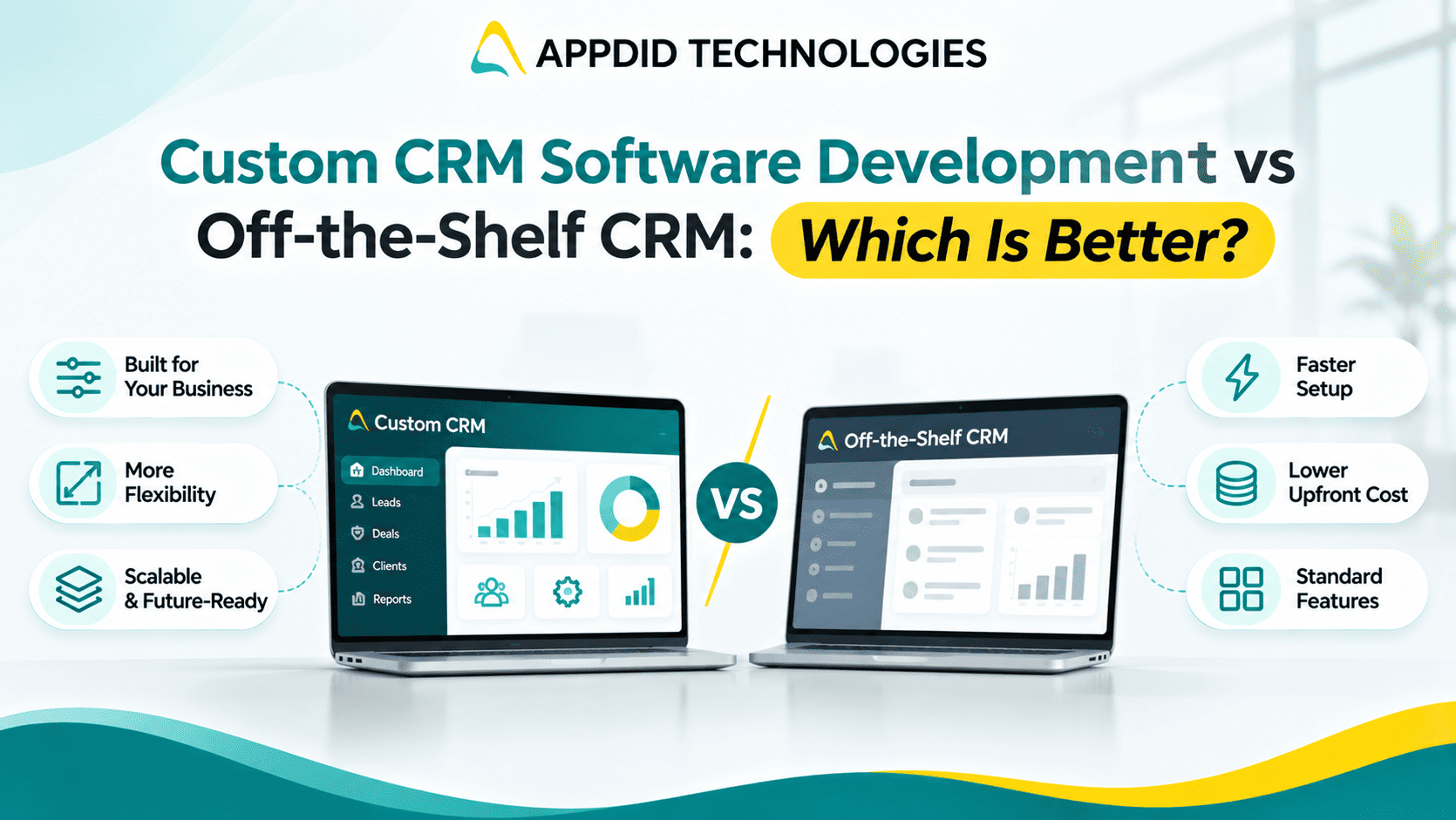
Custom CRM Software Development vs Off-the-Shelf CRM: Which Is Better?
Managing customer relationships is essential for business growth. A Customer Relationship Management (CRM) system helps businesses organize leads, track sales activities, manage customer communication, and improve team coordination.
However, businesses often face an important decision: should they choose a ready-made CRM platform or invest in custom CRM software development?
Both options can help manage customer relationships, but the right choice depends on your business size, workflow, budget, and long-term goals.
Key Takeaways
-
Off-the-shelf CRM software offers ready-to-use features.
-
Custom CRM software is designed around specific business workflows.
-
Ready-made solutions may be quicker to implement.
-
Custom development offers greater control over features and integrations.
-
The right choice depends on business requirements and total cost.
What Is an Off-the-Shelf CRM?
An off-the-shelf CRM is a ready-made software solution developed for businesses with common customer management needs.
It usually includes features such as contact management, lead tracking, sales pipelines, task reminders, and reporting. Businesses can subscribe to a plan and start using the platform with limited setup.
This option is often suitable for companies that need standard CRM features and want to implement a system quickly.
What Is Custom CRM Software Development?
Custom CRM software is developed specifically for a business’s requirements. Instead of adapting operations to a predefined system, the CRM can be designed around the company’s sales process, customer journey, and internal workflows.
A custom CRM may include specialized dashboards, unique automation rules, business-specific reporting, and integrations with existing applications.
It can be particularly useful for businesses with complex processes or requirements that standard CRM platforms cannot fully support.
Businesses considering a tailored solution can explore custom CRM software development to understand how application features can be aligned with their operational requirements.
Custom CRM vs. Off-the-Shelf CRM: Key Differences
|
Factor |
Off-the-Shelf CRM |
Custom CRM |
|
Features |
Predefined features |
Features based on business needs |
|
Implementation |
Usually quicker |
Requires planning and development |
|
Customization |
Limited to available options |
Greater flexibility |
|
Integrations |
Depends on supported integrations |
Can be scoped to specific systems |
|
Initial Cost |
Often lower upfront cost |
Usually higher initial investment |
|
Maintenance |
Managed by the software provider |
Requires an agreed support plan |
|
Scalability |
Depends on provider plans and capabilities |
Can be designed around growth needs |
|
Best For |
Common CRM requirements |
Unique or complex workflows |
Benefits of Off-the-Shelf CRM Software
1. Faster Implementation
Ready-made CRM platforms are already developed, allowing businesses to configure settings, import data, and begin using the system relatively quickly.
2. Lower Initial Investment
Many off-the-shelf CRMs offer subscription-based pricing. This can reduce the upfront investment compared with building a custom application.
3. Standard Features and Support
Common features such as lead management, contact records, sales pipelines, and reports are usually available. The provider may also offer product updates, documentation, and customer support.
Benefits of Custom CRM Software Development
1. Designed Around Your Workflow
A custom CRM can follow the exact stages of your sales process, from lead generation to conversion and customer retention.
For example, businesses can define their own lead stages, approval processes, follow-up schedules, and reporting requirements. This approach is particularly useful when standard CRM workflows do not match internal operations.
2. Business-Specific Automation
Businesses can define automation rules based on their operations. For example, a CRM may assign leads based on location, service type, sales team, or customer priority.
3. Flexible Integrations
Custom development can help connect the CRM with relevant systems such as websites, billing software, internal dashboards, or communication tools, depending on technical availability.
Through suitable API integration, businesses can connect different applications and reduce repetitive data entry.
4. Greater Control Over Features
Businesses can prioritize the features they need and plan future improvements based on user feedback and changing requirements.
A custom solution can also include specific reporting dashboards, permissions, and automation capabilities. You can explore the core elements of CRM software development to understand the components involved in building such a system.
Which CRM Is Better for Your Business?
The best option depends on your business situation.
|
Business Requirement |
Recommended Approach |
|
Need a CRM quickly |
Off-the-shelf CRM |
|
Have standard lead and contact management needs |
Off-the-shelf CRM |
|
Require unique sales workflows |
Custom CRM |
|
Need specialized automation |
Custom CRM |
|
Have a limited upfront budget |
Consider off-the-shelf CRM |
|
Need specific integrations or reporting |
Evaluate custom development |
Custom CRM is not automatically better for every business. If a ready-made platform meets your needs, it may be the more practical choice. Custom development becomes more valuable when existing tools create limitations or require ongoing workarounds.
Businesses with standard requirements can also explore cloud-based CRM solutions before deciding whether a fully customized system is necessary.
What Should You Consider Before Choosing?
Before selecting a CRM, evaluate the following:
-
Business Requirements: List the processes you want to improve.
-
Team Size: Consider how many users will access the system.
-
Workflow Complexity: Identify whether your sales process is standard or specialized.
-
Integration Needs: Check which systems must exchange data.
-
Total Cost: Consider subscriptions, implementation, customization, and maintenance.
-
Future Growth: Evaluate how the solution will support new users, services, or locations.
A clear requirement list helps compare solutions based on business value rather than features alone.
It is also important to consider the role of automation and reporting. Reviewing CRM features for business growth can help identify capabilities that may be relevant to your team's requirements.
Build a Custom CRM with Appdid Technologies
A CRM should help your team manage customer relationships more effectively—not make daily work more complicated.
Appdid Technologies helps businesses explore custom CRM software development based on their workflows, operational goals, and integration requirements. The development approach can be planned around essential features, user roles, reporting, and future improvements.
Looking for a CRM designed around your business? Connect with Appdid Technologies to discuss your requirements and explore a suitable development approach.
Frequently Asked Questions
What is the main difference between custom CRM and off-the-shelf CRM?
Off-the-shelf CRM offers predefined features, while custom CRM is developed around a business’s specific workflows and requirements.
Is custom CRM software more expensive?
Custom CRM generally requires a higher initial investment. However, the overall cost depends on the project scope, maintenance, integrations, and long-term usage.
Can off-the-shelf CRM software be customized?
Many platforms offer configuration options, add-ons, and integrations. The level of customization depends on the provider and subscription plan.
When should a business choose custom CRM development?
Custom CRM may be suitable when a business has unique workflows, specialized automation needs, or integration requirements that existing platforms cannot adequately support.
Can a custom CRM grow with my business?
Yes. A custom CRM can be designed to support changing workflows and additional users, but scalability should be included in the initial technical planning.
Final Thoughts
Choosing between custom CRM software and an off-the-shelf solution comes down to your business needs. Ready-made CRM platforms can be a practical choice for standard requirements, while custom development offers flexibility for specialized workflows.
The right CRM is the one that helps your team manage customer relationships, improve efficiency, and support your business goals.