
Android Studio AI Features: What They Mean for Mobile App Development
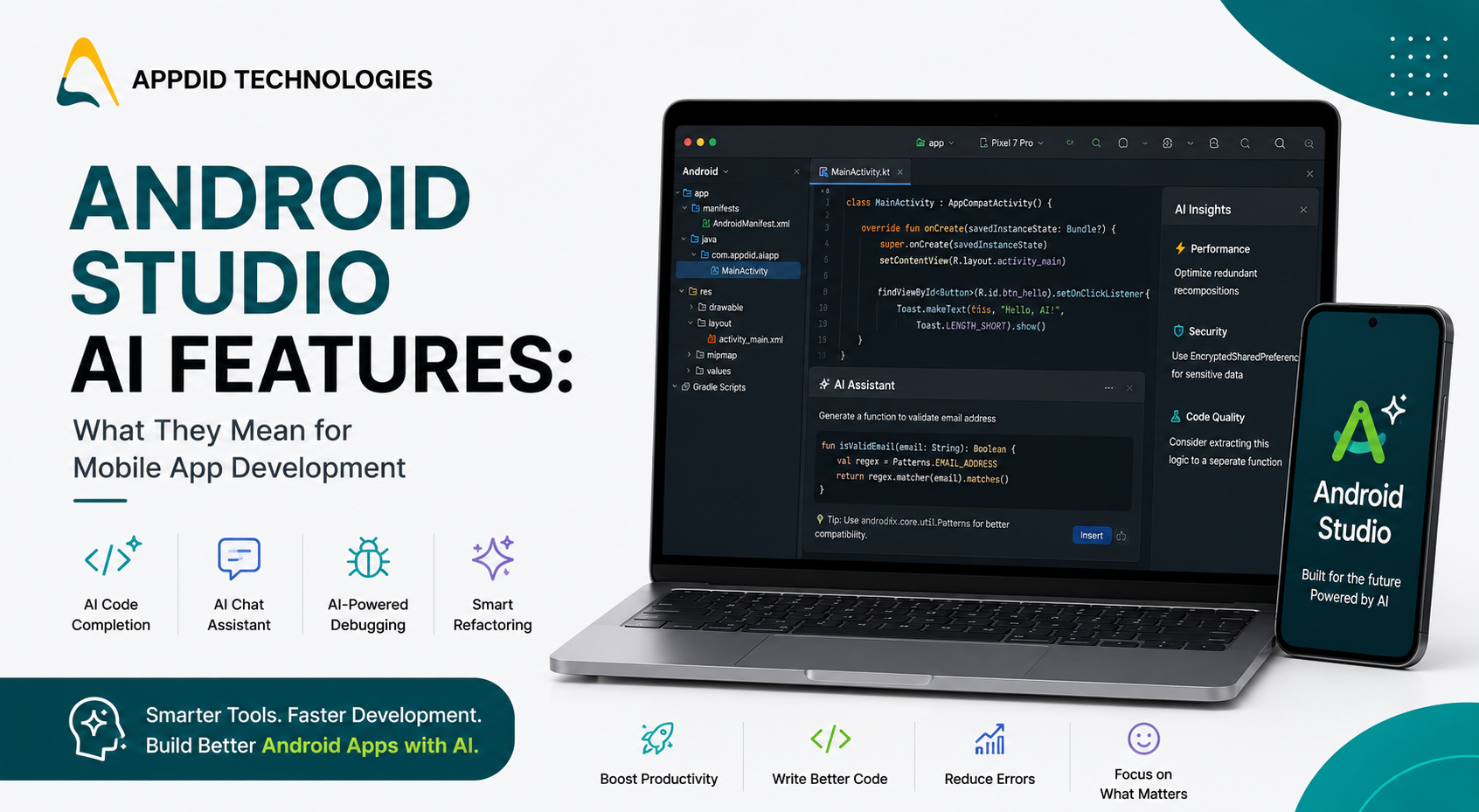
Android Studio AI Features: What They Mean for Mobile App Development
Artificial intelligence is changing the way developers build mobile applications. With AI-powered capabilities now integrated into Android Studio, developers can write code faster, identify bugs earlier, generate documentation, and improve productivity throughout the development lifecycle.
The latest Android Studio AI features are designed to support developers rather than replace them. By automating repetitive tasks and providing intelligent coding assistance, these features allow development teams to spend more time building innovative user experiences.
At Appdid, we continuously evaluate modern development tools and AI-powered workflows to build high-performance Android applications that are scalable, secure, and future-ready. Businesses interested in AI-powered mobile solutions can also explore our guide on 10 Ways AI in App Development Is Transforming Mobile Applications.
What Is Android Studio AI?
Android Studio AI refers to the artificial intelligence capabilities integrated into Android Studio that assist developers throughout the app development process.
These AI-powered features help developers write code, understand complex projects, generate documentation, fix errors, and improve application quality more efficiently.
Businesses investing in modern Android solutions can learn more about our Android App Development Services in Mumbai, where we build secure, scalable, and high-performance Android applications.
Why Android Studio AI Matters
Building mobile applications involves thousands of lines of code, multiple integrations, testing, debugging, and continuous optimization.
Android Studio AI helps developers by:
-
Reducing repetitive coding tasks
-
Improving code quality
-
Accelerating development
-
Simplifying debugging
-
Assisting with documentation
-
Enhancing developer productivity
Rather than replacing developers, AI enables teams to focus on solving business problems and creating better digital experiences.
Top Android Studio AI Features
1. AI Code Completion
Android Studio AI understands project context and suggests complete lines or blocks of code.
Benefits include:
-
Faster development
-
Fewer syntax errors
-
Better productivity
-
Cleaner code
2. Smart Code Generation
Developers can generate repetitive code such as classes, methods, data models, and common functions with AI assistance.
This significantly reduces development time.
3. AI-Powered Debugging
Debugging is one of the most time-consuming parts of software development.
Android Studio AI helps developers identify errors, explain possible causes, and recommend fixes more efficiently.
4. Documentation Assistance
Maintaining project documentation becomes easier with AI-generated comments and explanations.
Well-documented projects are easier to maintain and onboard new developers.
5. Code Refactoring Suggestions
AI can identify opportunities to improve code quality by recommending:
-
Better naming conventions
-
Cleaner architecture
-
Simpler logic
-
Performance improvements
This helps maintain long-term code quality.
6. Intelligent Test Generation
Android Studio AI can assist developers by suggesting unit tests and improving testing coverage.
This helps teams detect issues earlier while reducing manual testing effort.
7. AI Chat Assistance
Developers can ask technical questions directly inside Android Studio and receive contextual coding guidance without constantly switching between documentation and search results.
8. Performance Optimization
AI analyzes application code and recommends improvements that can increase efficiency and reduce unnecessary resource consumption.
9. Security Recommendations
Android Studio AI helps developers identify coding practices that could introduce security vulnerabilities while recommending safer alternatives.
10. Faster Learning for Development Teams
New developers can understand unfamiliar projects more quickly with AI-generated explanations, making collaboration and onboarding significantly easier.
Benefits of Android Studio AI for Businesses
The impact of Android Studio AI extends beyond developers.
Businesses benefit through:
-
Faster project delivery
-
Better software quality
-
Lower development costs
-
Improved code consistency
-
Easier maintenance
-
Better scalability
Many organizations today also choose cross-platform technologies alongside Android development to reduce costs and accelerate product launches. Learn how our Cross-Platform App Development Services in Mumbai help businesses build applications efficiently across Android and iOS platforms.
Best Practices for Using Android Studio AI
To maximize the benefits of Android Studio AI:
-
Review AI-generated code carefully.
-
Follow secure coding standards.
-
Use AI as a productivity tool rather than a replacement for engineering expertise.
-
Keep Android Studio updated.
-
Continue performing code reviews.
-
Thoroughly test every feature before deployment.
Combining AI with experienced developers produces the best development outcomes.
The Future of AI in Android Development
AI-powered development tools will continue evolving with capabilities such as:
-
Smarter code generation
-
Automated testing
-
AI-assisted UI development
-
Intelligent debugging
-
Better performance optimization
-
Faster documentation
Businesses across India are increasingly adopting AI-powered development workflows to accelerate digital transformation. Whether you're looking for a trusted Mobile App Development Company in Pune or expanding your digital initiatives with our Mobile App Development Company in Hyderabad, AI-assisted development is helping organizations launch applications faster while maintaining high quality.
Conclusion
The latest Android Studio AI features are transforming how mobile applications are built by helping developers code faster, improve software quality, simplify debugging, and automate repetitive tasks.
While AI is not a replacement for skilled developers, it has become an invaluable development assistant that increases productivity and enables teams to focus on building innovative, scalable, and user-friendly mobile applications.
Businesses adopting AI-assisted development workflows today will be better positioned to build modern applications that remain competitive in the years ahead.
Appdid – Expert Mobile App Development Company
Appdid is an expert mobile app development company helping businesses across India build Android, iOS, Flutter, and cross-platform applications using modern technologies and AI-assisted development practices.
Our developers leverage scalable architectures, secure APIs, cloud technologies, and industry best practices to deliver mobile applications that are reliable, high-performing, and built for long-term growth.
You can also explore our Portfolio to see some of the custom mobile applications we've developed across healthcare, logistics, retail, education, finance, and enterprise sectors.
If you're planning an Android application or custom mobile solution, feel free to Contact Us. Our team will help you choose the right technology stack and build a future-ready application tailored to your business goals.
Frequently Asked Questions
What is Android Studio AI?
Android Studio AI refers to the artificial intelligence capabilities integrated into Android Studio that help developers with coding, debugging, documentation, testing, and overall software development productivity.
How does Android Studio AI improve mobile app development?
It helps developers write code faster, detect issues earlier, generate documentation, improve testing, and automate repetitive development tasks.
Can Android Studio AI replace developers?
No. Android Studio AI is designed to assist developers by improving productivity and reducing repetitive work. Human expertise remains essential for architecture, business logic, testing, and application design.
Is Android Studio AI useful for enterprise applications?
Yes. Enterprise development teams can benefit from AI-powered coding assistance, debugging, documentation, testing, and performance optimization while maintaining high software quality.
Why choose Appdid for Android app development?
Appdid develops Android applications using modern development frameworks, AI-assisted workflows, scalable architectures, secure APIs, and industry best practices to deliver high-performance mobile applications.