
Flutter and AI Agents: What’s Possible in Modern Mobile Apps?
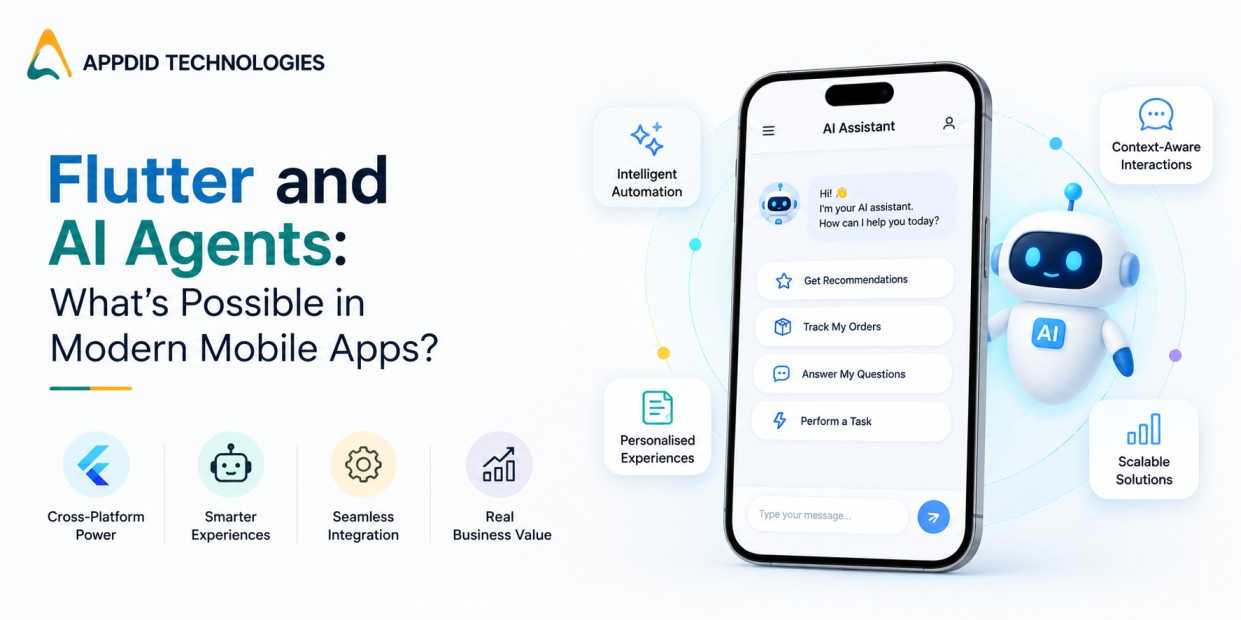
Flutter and AI Agents: What’s Possible in Modern Mobile Apps?
AI is changing how people interact with mobile applications. Instead of simply tapping buttons and navigating menus, users can now ask an app to understand a request, make decisions, complete tasks, and respond based on context.
This is where Flutter AI and AI agents are becoming particularly interesting for mobile app development. Flutter provides a flexible framework for building applications across platforms, while AI agents can add intelligence that allows apps to move beyond fixed workflows.
For businesses considering a new mobile product, the combination can create applications that are more personalized, automated, and responsive to user needs.
At Appdid, we work on modern mobile applications and can help businesses evaluate where AI capabilities can genuinely add value rather than adding AI simply as a feature.
What Is an AI Agent in a Mobile App?
An AI agent is a software system capable of interpreting information, reasoning about a task, and taking actions to achieve a specific goal.
A traditional mobile app usually follows predefined workflows:
User action → predefined logic → application response
An AI-powered application can work more dynamically:
User request → AI understands intent → agent decides what to do → tools or APIs are used → result is returned
For example, imagine a food delivery application where a user says:
“Find me a vegetarian dinner under ₹500 and order it for delivery at 8 PM.”
Instead of requiring the user to manually filter restaurants, compare items, add products, select an address, and schedule delivery, an AI agent could potentially coordinate these steps.
The agent doesn't replace the mobile application. Instead, it becomes an intelligent layer that interacts with the application's existing features and backend systems.
Why Combine Flutter With AI Agents?
Flutter is widely used for building applications from a shared codebase across platforms. This makes it attractive when businesses want to develop Android and iOS applications efficiently.
AI agents, meanwhile, introduce intelligent capabilities such as natural-language interaction, recommendations, automation, and contextual decision-making.
Together, they can support applications where the interface and AI experience need to work consistently across platforms.
Businesses exploring different development approaches can also compare Flutter with other approaches in our guide to native vs cross-platform app development.
The important point is that Flutter itself is not the AI agent. Flutter generally handles the application interface and client-side experience, while AI models, APIs, backend services, databases, and agent orchestration handle the intelligence.
How Does Flutter AI Architecture Work?
A Flutter application using AI agents can have several layers.
1. Flutter Mobile Interface
The Flutter application provides the user interface. This could include:
-
Chat interfaces
-
Voice interaction
-
Personalized dashboards
-
Recommendation screens
-
AI assistants
-
Notifications
-
Forms and workflows
2. Backend and API Layer
The application communicates with backend services through APIs. These APIs can connect the mobile application to business systems, databases, payment services, search systems, and other tools.
Our guide on API integration in mobile app development explains why this layer is important when connecting mobile applications with external systems.
3. AI Model
The AI model interprets user input and generates responses or decisions. Depending on the application, this could involve language models, recommendation models, computer vision, speech recognition, or other AI technologies.
4. Agent Orchestration
This layer determines what the AI agent should do next.
For example, if a user asks an AI shopping assistant to find and purchase a product, the agent may need to:
-
Understand the request
-
Search available products
-
Compare results
-
Apply user preferences
-
Confirm the selection
-
Initiate the required application workflow
5. Business Systems and Tools
The agent may interact with databases, CRM systems, payment gateways, maps, inventory systems, calendars, or other APIs.
This architecture makes AI agents more useful than a simple chatbot because the agent can potentially take actions instead of only generating text.
7 Practical Use Cases of Flutter AI Agents
The value of AI agents becomes clearer when we look at practical mobile applications.
1. AI Personal Assistants
A mobile application can include an intelligent assistant that understands natural-language requests.
For example:
-
“Show my upcoming appointments.”
-
“Remind me about my meeting tomorrow.”
-
“Find my previous invoices.”
-
“Book an appointment for next week.”
The agent can interpret the request and connect it with the application's existing functionality.
2. AI Shopping Assistants
E-commerce applications can use AI agents to understand what customers are actually looking for.
Instead of searching for:
“running shoes under ₹5,000”
a customer could say:
“I need comfortable running shoes for daily morning runs under ₹5,000.”
An AI agent can use this information to generate more contextual recommendations.
Businesses planning an e-commerce application can also explore our e-commerce and food delivery app development capabilities to understand how intelligent features can fit into transactional applications.
3. Healthcare Applications
AI agents can help users navigate healthcare applications by providing information, assisting with appointment workflows, organizing records, or guiding users through predefined processes.
However, healthcare AI requires additional attention to privacy, security, accuracy, and human oversight. An AI agent should not automatically be treated as a replacement for qualified medical professionals.
For businesses exploring this space, our healthcare app development experience can provide a starting point for understanding how intelligent features can be incorporated into healthcare products.
4. Customer Support Agents
A mobile application can use an AI agent to handle common customer queries.
The agent may:
-
Understand customer questions
-
Retrieve account information
-
Check order status
-
Explain product information
-
Create support requests
-
Escalate complex issues to human agents
This can reduce repetitive support interactions while allowing human teams to focus on more complicated cases.
5. Travel Applications
AI agents can make travel applications more conversational.
A user could ask:
“Plan a three-day Mumbai trip with restaurants near the attractions and keep the budget below ₹15,000.”
The agent could potentially coordinate destinations, recommendations, maps, schedules, and bookings through connected services.
6. Financial Applications
AI agents can help users understand financial information, categorize transactions, provide spending insights, or navigate banking features.
Because financial applications deal with sensitive information, security, authorization, auditability, and controlled access are particularly important.
7. Business and CRM Applications
AI agents can also work inside business applications.
For example, an AI sales assistant could summarize customer interactions, identify follow-up opportunities, retrieve account information, or help sales teams prepare for meetings.
Businesses interested in intelligent customer-management systems can explore CRM software development to see how AI capabilities can complement custom CRM workflows.
Flutter AI vs Traditional Mobile App Features
AI agents don't necessarily need to replace existing application features.
Instead, they can sit alongside traditional interfaces.
For example, a food delivery application could still have:
Home → Restaurant → Product → Cart → Checkout
while also offering:
“Ask AI what I should order.”
This hybrid approach is often more practical because users can choose between familiar controls and conversational interaction.
It also gives businesses more control over important actions. For example, an AI agent can recommend a purchase while the final payment still requires explicit user confirmation.
What Technologies Are Used With Flutter AI?
A Flutter AI application can involve multiple technologies depending on its requirements.
A typical stack may include:
-
Flutter for the mobile application
-
Dart for application development
-
REST APIs or GraphQL for communication
-
Cloud services for backend infrastructure
-
AI/LLM APIs for intelligent capabilities
-
Databases for application and user data
-
Authentication systems for secure access
-
Analytics for monitoring user behaviour
-
Vector databases for certain AI search and retrieval use cases
-
Agent orchestration frameworks where complex workflows require them
The right architecture depends on the actual use case. An AI chatbot, AI recommendation engine, and autonomous business assistant may require very different architectures.
If you're evaluating the technology side of an AI-powered application, our mobile app development services can help you assess the appropriate architecture before development begins.
How AI Agents Can Improve Mobile App Experiences
The biggest opportunity isn't simply adding a chatbot. AI agents can change how users interact with an application.
More Natural Interaction
Users can describe what they want instead of learning where every feature is located.
Personalization
AI can use permitted user preferences and application context to provide more relevant experiences.
Automation
Repetitive multi-step workflows can potentially be handled through a single request.
Better Discovery
Users can discover products, services, information, or features through conversational queries.
Increased Engagement
An application that responds intelligently to user needs can create more useful and personalized experiences.
However, AI should solve a genuine user problem. Adding an AI assistant to an application without a clear purpose can make the product more complicated rather than better.
Challenges of Building AI-Powered Flutter Apps
AI agents also introduce technical and business challenges.
Data Privacy
Applications must carefully control what information is sent to AI systems and how that information is stored.
AI Accuracy
AI systems can sometimes generate incorrect or unexpected results. Critical workflows therefore need validation and appropriate safeguards.
API and Infrastructure Costs
AI-powered applications may require additional API calls, cloud resources, storage, and monitoring.
Latency
Users expect mobile applications to respond quickly. AI processing can introduce additional delays, so architecture and response handling matter.
Security
An AI agent that can perform actions needs carefully controlled permissions. It should not have unrestricted access to sensitive systems.
Human Oversight
For high-impact use cases, human review may be necessary before an AI agent completes certain actions.
Should Your Business Build a Flutter AI App?
Not every mobile application needs AI agents.
The technology makes the most sense when users regularly need:
-
Personalized recommendations
-
Natural-language search
-
Automated workflows
-
Intelligent assistance
-
Complex information retrieval
-
Repetitive task automation
-
Context-aware experiences
Before development, businesses should define the problem first and then decide whether an AI agent is the right solution.
At Appdid, we approach AI-enabled mobile development from the application and business perspective. If you're planning an AI-powered mobile product, we can help you identify where AI can provide practical value, select an appropriate architecture, and build the Android and iOS experience around it.
You can also explore our Android app development services if your initial product is focused on Android users.
Why Appdid for AI-Enabled Mobile App Development?
At Appdid, we develop mobile applications with a focus on usability, scalability, integrations, and long-term product requirements.
For businesses exploring Flutter AI, our role can involve more than building the front-end. Depending on the project, we can work across application architecture, APIs, backend integration, AI functionality, authentication, databases, and deployment.
If your application requires separate native experiences, you can also explore our iOS app development services.
The objective is to make AI a useful part of the product rather than simply adding an AI label to an existing application.
Frequently Asked Questions
1. What is Flutter AI?
Flutter AI refers to using AI technologies within applications built using Flutter. Flutter handles the mobile application experience, while AI models and backend services provide capabilities such as conversational assistance, recommendations, automation, and intelligent decision-making.
2. Can Flutter apps use AI agents?
Yes. Flutter applications can connect with AI models and agent-based backend systems through APIs. The AI agent can interpret user requests and, depending on its permissions, interact with application services and external tools.
3. What can an AI agent do inside a mobile app?
An AI agent can potentially answer questions, search information, provide recommendations, summarize data, automate workflows, and interact with connected services. The exact capabilities depend on the application's architecture and the permissions provided to the agent.
4. Is Flutter suitable for AI-powered mobile applications?
Flutter can be suitable for AI-powered applications, particularly when businesses want a consistent cross-platform mobile experience. The AI functionality itself usually relies on backend services, APIs, models, databases, and supporting infrastructure rather than Flutter alone.
5. How do I know whether my app needs an AI agent?
Your application may benefit from an AI agent if users need personalized assistance, natural-language interaction, complex searches, recommendations, or multi-step task automation. If the application only requires simple fixed workflows, traditional app logic may be more appropriate.
Build the Next Generation of Your Mobile App With Appdid
AI agents are making mobile applications more interactive, personalized, and capable of handling tasks that previously required multiple manual steps. Combined with Flutter, they can provide a practical way to create consistent Android and iOS experiences while introducing intelligent functionality.
The key is choosing the right use case, architecture, AI capabilities, and level of automation.
Whether you're planning an AI assistant, an intelligent e-commerce application, a healthcare platform, or a business application, Appdid can help turn the concept into a scalable mobile product.
Discuss your mobile app idea with Appdid and explore how Flutter and AI can be applied to your specific business requirements.